For travel
A travel world clock that keeps home close
On the road, Clocker shows the local time and home time side by side, so you always know when it is a good moment to call home or join a meeting.
Features
Home time and away time, together
TravelPRO
Away mode keeps home beside you.
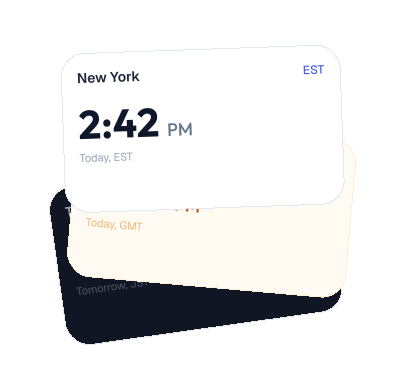
Switch on Away mode and Clocker shows Home time next to the local time wherever you land.
Away · New York09:42
 Home · Bucharest16:42
Offline
Works on a plane and abroad.
The city catalog ships with the app, so searching cities and checking times needs no roaming data.
 LisbonLisbon · Portugal14:42
GroupsPRO
A group for each trip.
Keep the cities of one trip, or the people you meet there, in their own group.
Sarah09:42London Office14:42Tokyo Support22:42iCloud
Plan on iPad, check on iPhone.
Set up the trip on iPad, check it on iPhone. Clocks sync through your own iCloud.
 Synced
How it works
Before you fly
- Add the cities on your route. Search them offline and save them, with your own names if you like.
- Turn on Away mode when you land. With Pro, Clocker keeps Home time on screen next to the local time.
- Check home before you call. Each clock shows its time, date and difference, so a call home never lands at 03:00.
Questions
Good to know
Yes. A city and time zone catalog ships with the app, so saved clocks, time differences and planning work offline. You only need a connection for the larger city catalog and iCloud sync.
Yes. Away mode, part of Pro, keeps Home time next to your local time. Without Pro, add a clock for home and see it beside every other clock.
Time differences
Popular routes
Take every time zone on the trip.
Clocker for iPhone and iPad: local time, home time and everyone you keep in touch with, offline and with no account.
 Get Clocker on the App Store