For family and friends abroad
Know when to call family abroad
See what time it is for the people you love, whether they are awake, and when it is a good moment to call, before you dial.
Features
A clock for every person, not just every city
People clocks
Clocks with names, not time zones.
Save “Mom, Toronto” or “Ana, Lisbon”. Each clock shows their time, their date and how far ahead or behind they are.
Sarah09:42London Office14:42Tokyo Support22:42AvailabilityPRO
Awake or asleep, at a glance.
Every clock shows whether that person is likely awake, so a late-night call to another continent stays a choice, not an accident.
SarahNew York09:42Working● Working 09–17● Prefers 10–12
City search
Any town they move to.
Search the city catalog that ships with the app, even without a connection.
 LisbonLisbon · Portugal14:42
iCloud
The same clocks on iPhone and iPad.
Clocks, order and names sync through your own iCloud. Nobody else sees them.
 Synced
How it works
Before you call
- Add a clock for each person. Name it after them, so the list reads like your contacts.
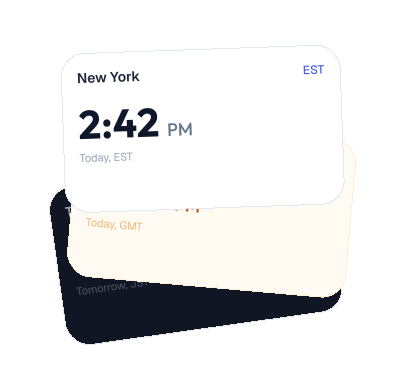
- Glance at the widget. Put a Clocker widget on your Home Screen and see their time without opening the app.
- Plan the next call. Drag the planning slider to see their time later today or tomorrow, then pick a moment that suits you both.
Questions
Good to know
Yes. Clocker follows each city’s own time zone rules, so a clock moves by an hour on the day that city changes its clocks, even when yours does not.
No. Open the app and add your first clock. If you turn on iCloud sync, your clocks stay in your own iCloud, not on our servers.
Clocks for people and places, live time differences, the planning slider, widgets, offline city search and iCloud sync are free. Pro adds working hours, availability signals, groups and more.
Time differences
Popular routes
Call when they can pick up.
Clocker for iPhone and iPad keeps the people you love one glance away, with their local time and day. No account, no tracking.
 Get Clocker on the App Store